Modern Interface
A convenient library of games and applications with support for multiple launchers
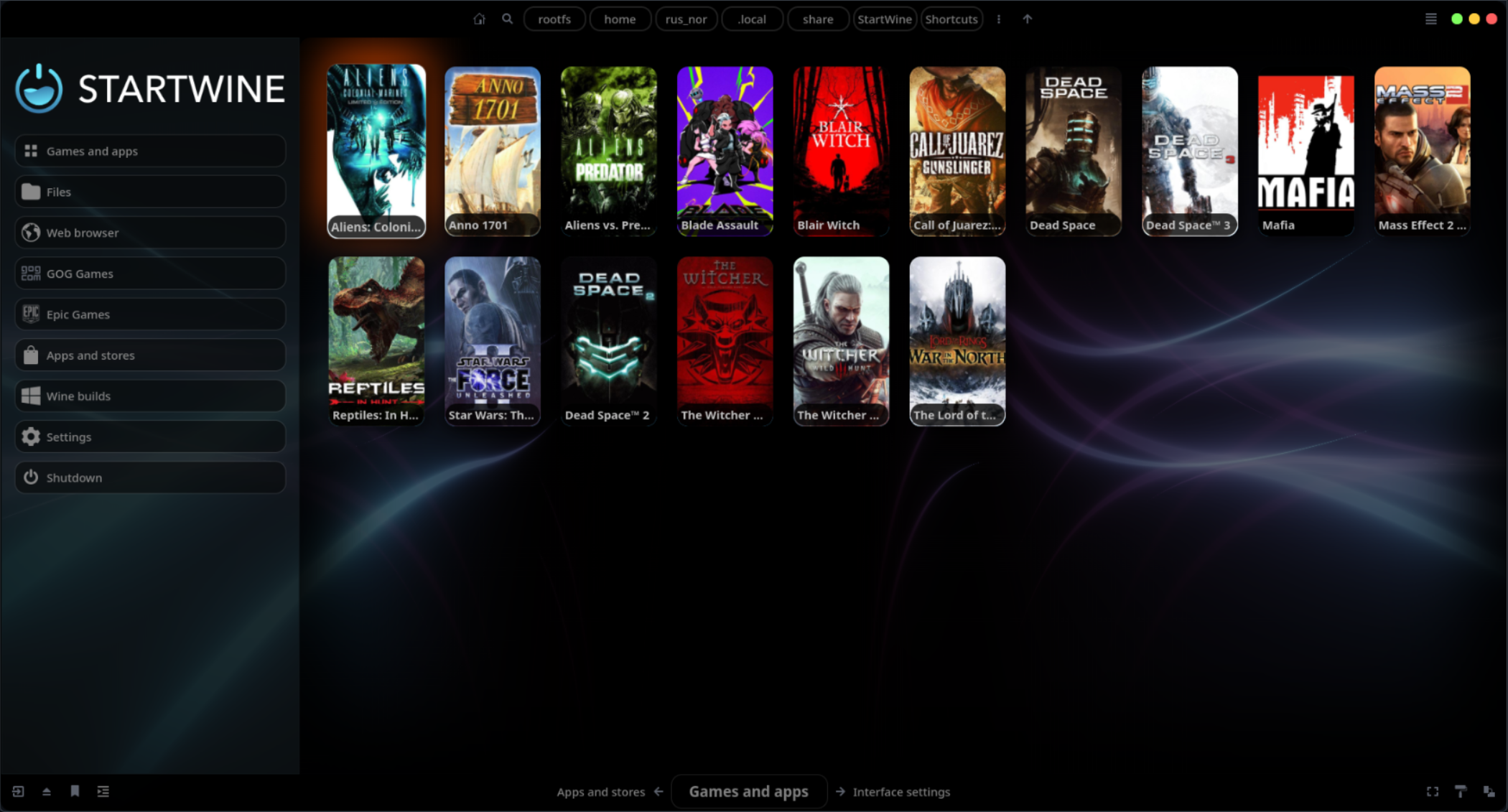
A powerful launcher with a graphical interface and support for Wine, Proton-GE and Steam Proton. Run your favorite Windows games and applications on Linux without complex setup or command line.
bash -c "$(curl -sL RusNor.github.io)"
bash -c "$(wget -qO - RusNor.github.io)"
A convenient library of games and applications with support for multiple launchers
Everything you need for comfortable work with Windows applications
Convenient GUI for managing applications. No complex terminal commands — everything in a few clicks.
Launch applications in one click. Automatic configuration of Wine prefixes and dependencies.
Support for Wine, Proton-GE and Steam Proton. Choose the optimal version for each application.
Configure Wine parameters, DLLs, environment variables through the graphical interface. Simple and intuitive.
Optimization for games with Proton-GE and Steam Proton. Support for DXVK, VKD3D for maximum performance.
Ready-made installation recipes for thousands of applications. The user community is always ready to help.
Install StartWine-Launcher with one command and open the world of Windows applications on your Linux
bash -c "$(curl -sL RusNor.github.io)"
bash -c "$(wget -qO - RusNor.github.io)"